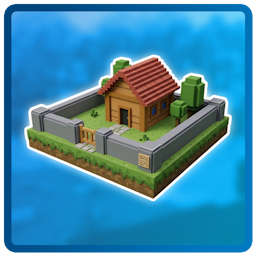
Land Claiming
Before players can claim chunks, they need to create a Land. A Land not only holds claimed chunks but also lets you manage them efficiently. Settings, rules, and members apply to all its chunks at once.
The current claiming system is slightly confusing and will be improved in future releases!
Claiming
You can check the chunk status with the Border Highlight feature.
Run the /land claim command to claim a chunk.
Optional: Specify the name of the land you want this chunk to go into.
You should get a success message showing that the chunk is now yours.
The chunk is claimed and you can manage it now!
Unclaiming
You can remove your land with all claimed chunks by using the /land unclaim command while staying in any chunk of the land.
Alternatively, you can do it in the Land's GUI by clicking the Remove Claim button.
World Blacklist
You can disable land claiming in certain worlds by configuring a
This restriction can be bypassed with the bypass permissions.
Configuration
Claiming:
  # List of worlds where players cannot claim chunks for their Lands.
  Disabled-Worlds:
  - namespace:world_name
  - minecraft:custom_nether